Seize the day with Instant Pay
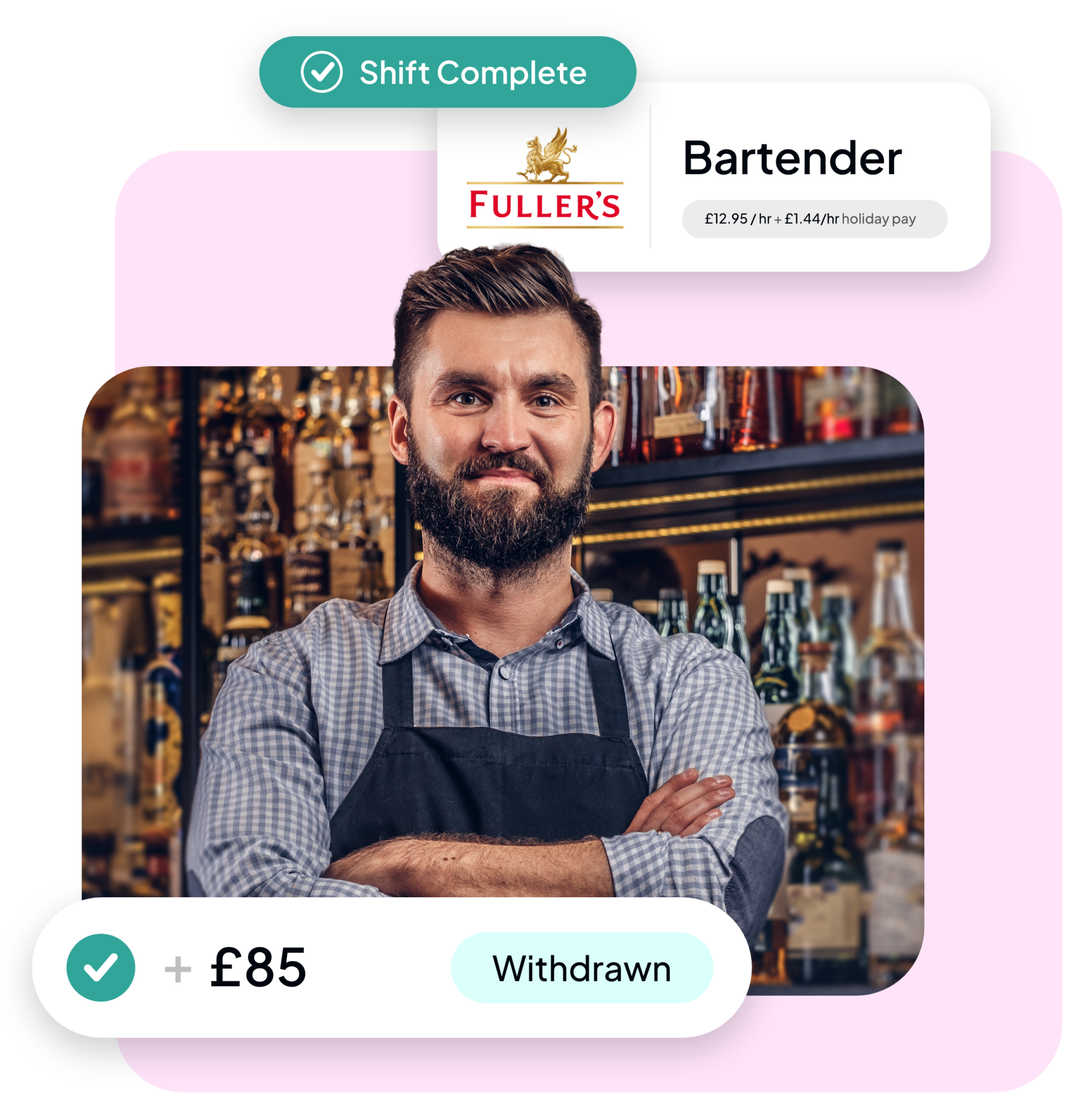
Instant Pay gives you more control over your money. As soon as you finish your shift, you can withdraw part of what you’ve earned instead of waiting for payday. Use it for a day out, a trip to the cinema, or a meal with friends.
How to use Instant Pay
- Download the FlexEarn app and create an account.
- Book a shift through Indeed Flex.
- Clock in on arrival at your shift using the Indeed Flex app. You must ensure your location services are turned on.
- Clock out once you’ve completed your shift, then visit the ‘Pay’ tab to see your available earnings.
- Tap ‘Cash out now’.

What happens to the rest of my wages?
The rest is paid on the Friday after the week you worked, through payroll. Your payslip will show what’s left after the amount you withdrew and any deductions, such as tax and National Insurance.

FAQs
Instant Pay
Clocking in and out
Am I eligible for Instant Pay?
Do I have to claim my wages early?
Is there a limit on how much I can withdraw?
When will I get the rest of what I’m owed?
Will there be a fee to access my wages early?
How much of my earnings can I access?
What if I have problems clocking in and out of my shifts with location services turned on?
Become a Flexer
Download the app today for instant access to jobs.